
Document Scanner
Scan, clean, search, ask
A phone photo of a page comes out looking printed. Everything but Assist runs on the phone, and nothing leaves it unless you share a page or ask a question.
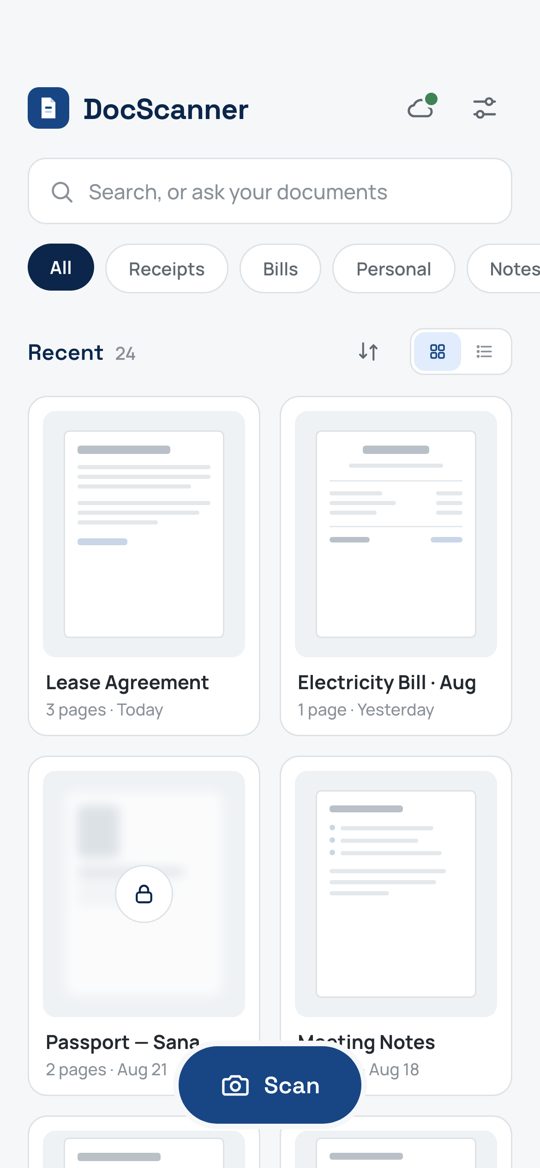
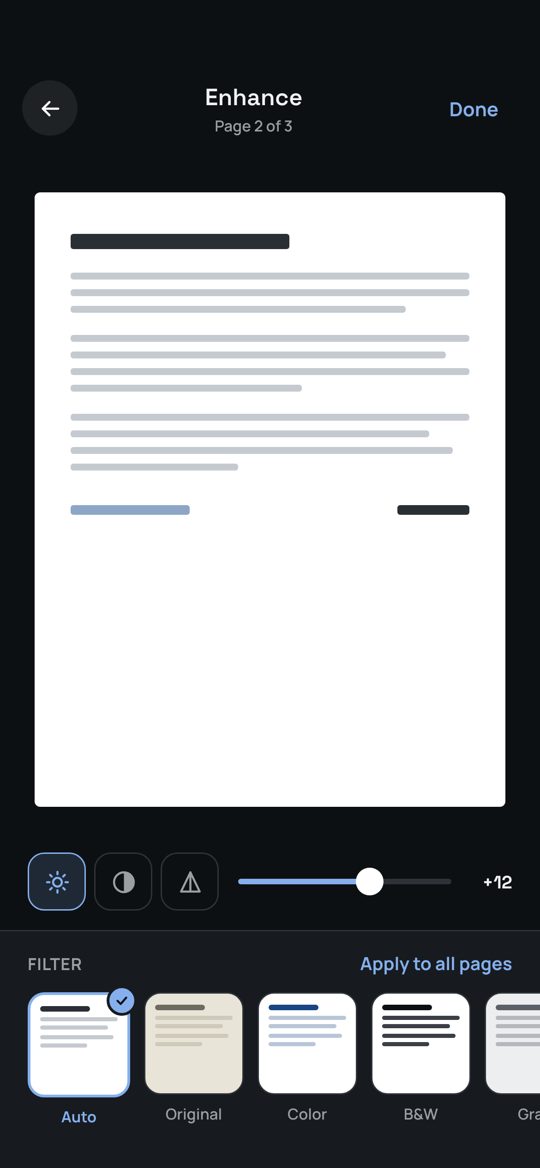
Scan
Point the camera at a page and it captures on its own the moment the shot is steady. Edges are found and the page straightened on the phone. Batch mode for multi-page documents; ID card mode puts both sides on one page.
Clean
A cleaner trained on the printed original: paper white, ink at its true weight, shadows and creases gone, stamps and signatures kept.
Organise
Folders, categories, page reordering, full-text search across every scan, and documents locked behind your fingerprint, face or passcode.
Share
PDF with your choice of page size, margins and quality, or JPEG, to any app.
Back up
Every change is backed up to a folder in your own Google Drive as it happens, page by page, so nothing is uploaded twice. Reinstall on any phone, sign in, and the library comes back while you watch.
Assist
Ask a document what it says, when it ends or how much is due, and get an answer that cites its page. Pull a table into a spreadsheet. Set a reminder from any date it finds. Ten actions a month are included.
Privacy
Scans, search and text recognition stay on your phone. Assist sends only the text of the pages you ask about to the app's own service, which keeps nothing. Backups go to your own Google Drive. One small banner in the library pays for the free version; Premium or a one-time purchase removes it. No analytics, no tracking. Read the policy · Terms.
Support
Answers to the usual questions, and how to reach me. Get help.